TAPNET Website Chatbot

TAPNET Website Chatbot

Turn Website Questions Into Better Conversations

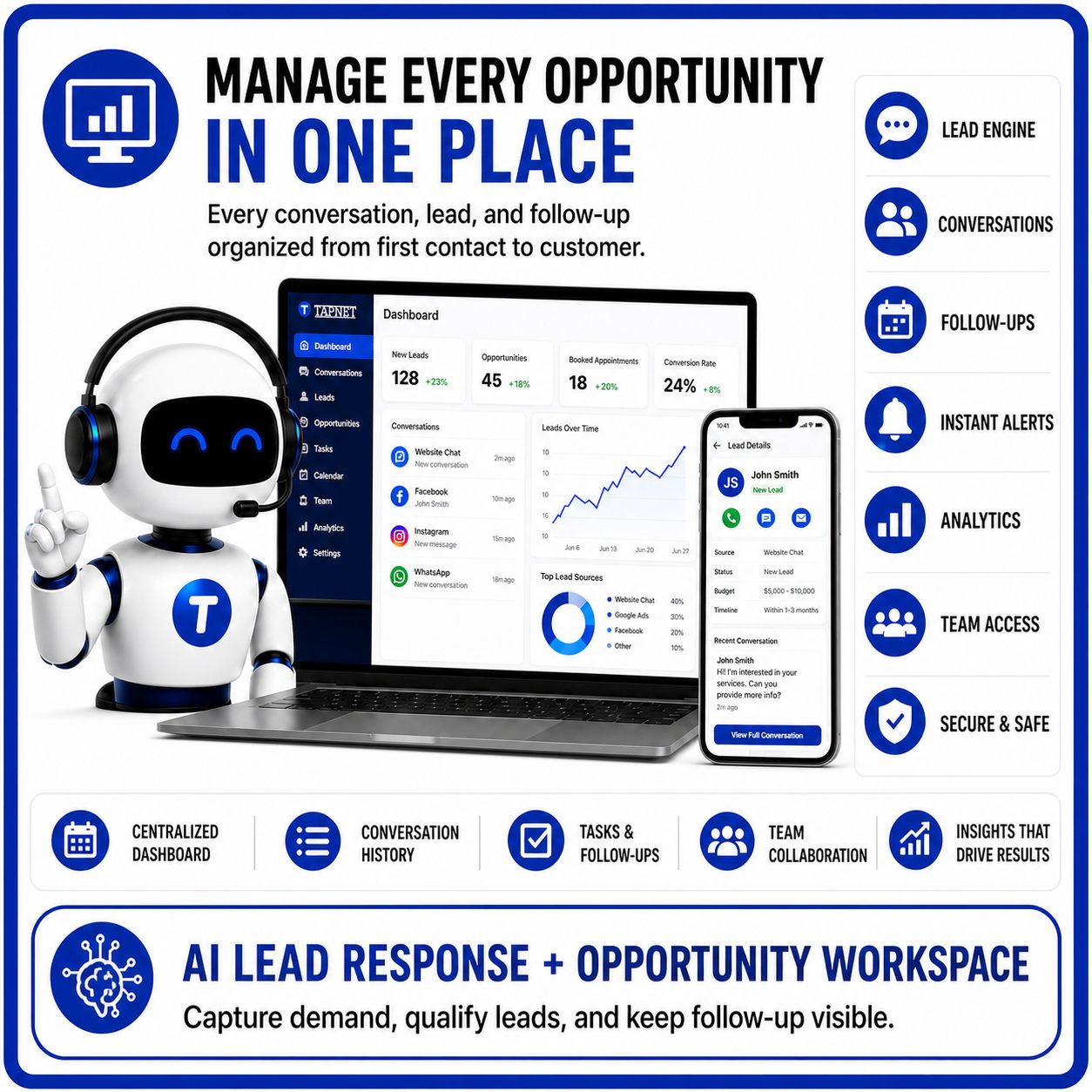
Wide TAPNET AI Assistant hero graphic showing lead response, conversations, follow-ups, analytics, and opportunity workspace tools.

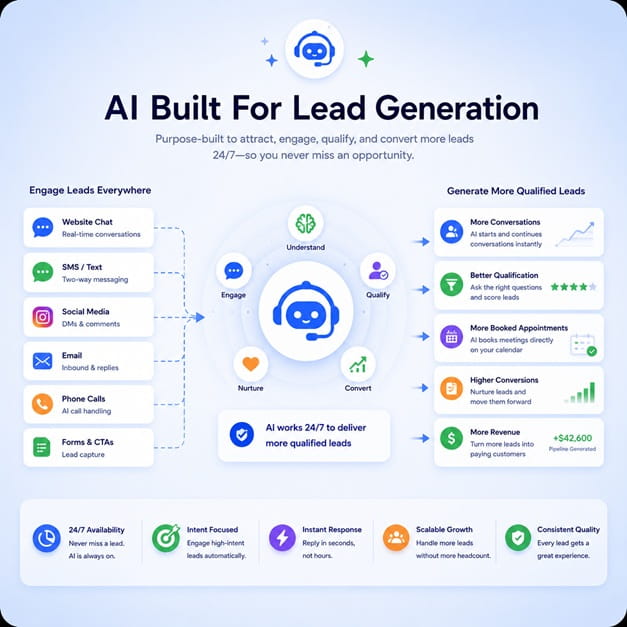
The Website Chatbot is the AI Assistant add-on for AI Hub. It answers from approved business knowledge, qualifies visitors, and hands off real opportunities when lead capture is enabled.

Website Chatbot Feature Ticket AI Hub powered answers Website chat add-on After-hours capture Buyer qualification Human handoff ready Lead workflows optional

Where a website chatbot fits after AI Hub

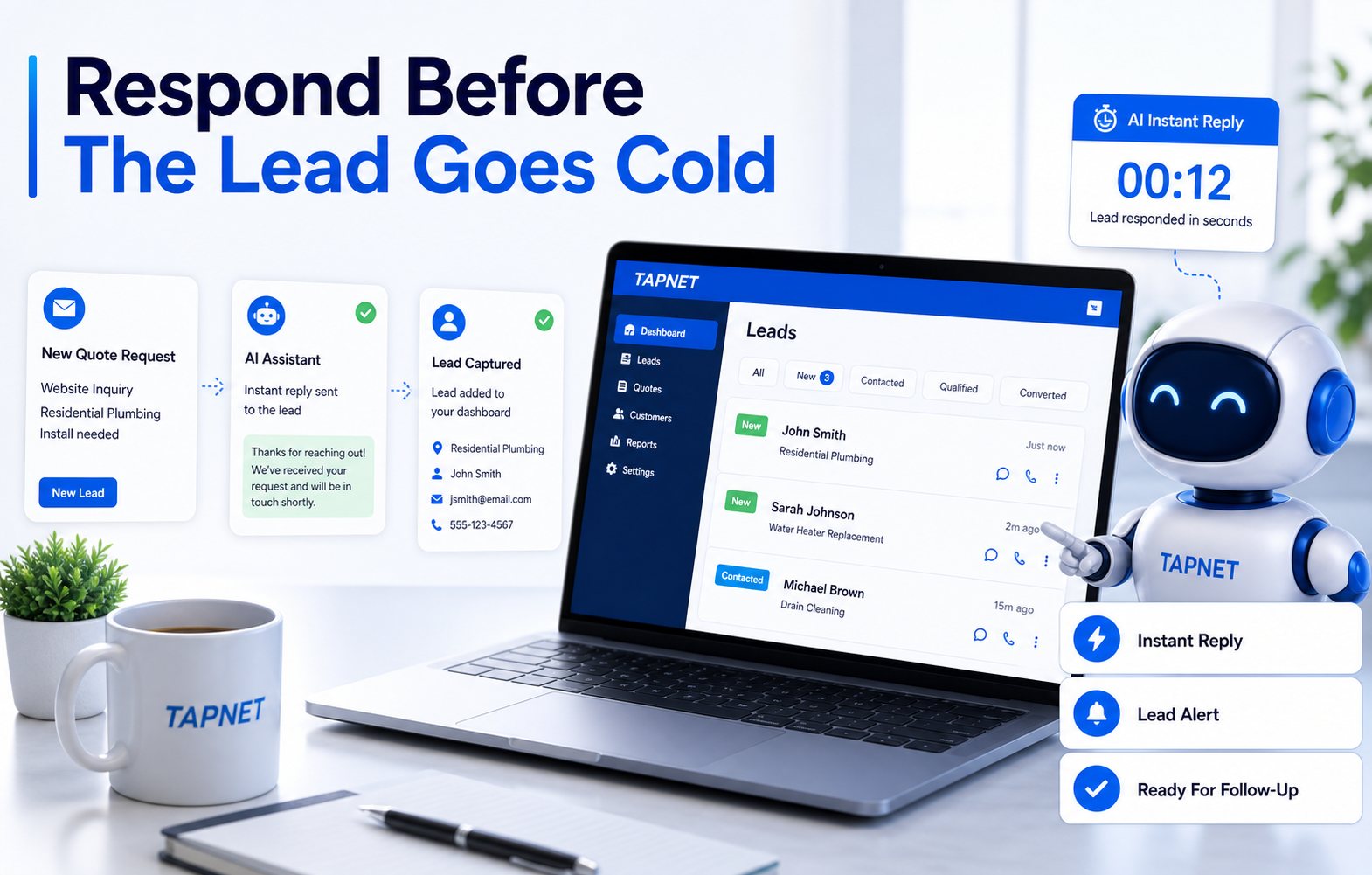
TAPNET lead response workflow showing instant reply, lead alert, and follow-up readiness.

The chatbot turns approved AI Hub knowledge into live website conversations.

Visitors need answers now Answer services, pricing guidance, locations, FAQs, proof, and next steps from AI Hub.
Forms feel too early Let visitors ask first, then request contact when intent is clear.
After-hours buyers go cold Keep conversations moving when staff are unavailable.
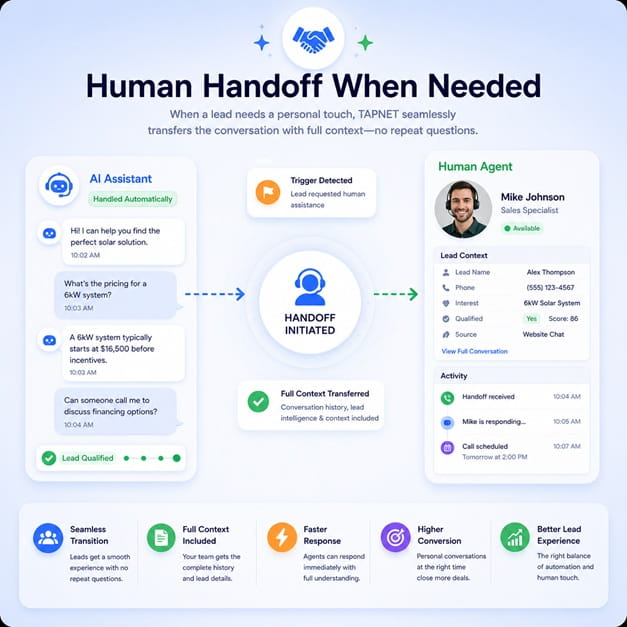
Teams need handoff context Attach the question, source page, service interest, and requested next step.

Chat is the add-on. AI Hub is the source.

TAPNET AI Assistant lead response and opportunity workspace for managing conversations, leads, follow-ups, and analytics.
Answer before asking Give useful information first, then ask for contact details when intent is clear.
Qualify lightly Confirm service fit, location, urgency, and next-step readiness.
Improve the Hub Unanswered questions become AI Hub modules, FAQs, or SEO Hub gaps.
Connect only what is needed Add Lead Widget, alerts, CRM handoffs, reviews, or SEO Hub after the role is clear.

Website Chatbot Framework

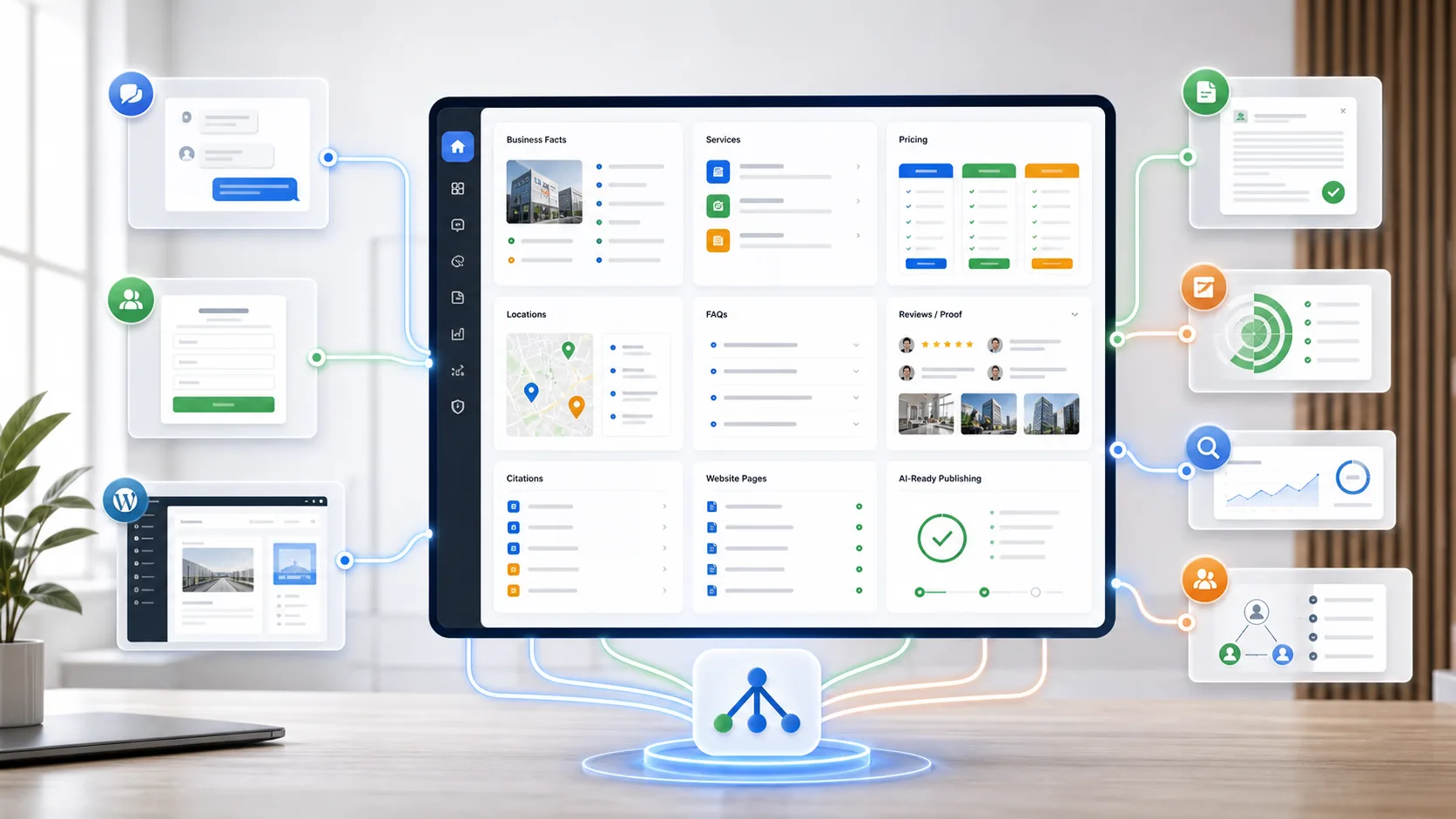
TAPNET AI Hub dashboard connecting business knowledge, AI visibility, chatbot, lead widget, and add-on workflows.

The chatbot stays focused: answer clearly, qualify lightly, capture only when the visitor is ready.

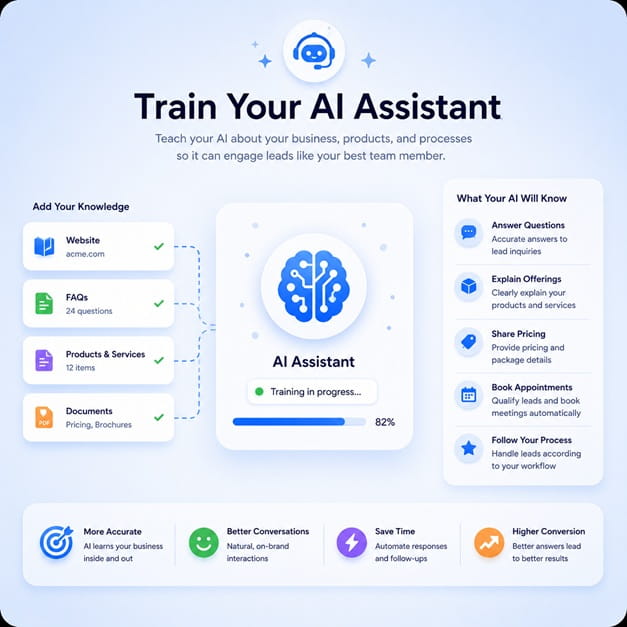
What the chatbot should know The assistant needs the core business profile, services, areas, hours, pricing guidance, proof, FAQs, and next steps.
  • Service fit, service areas, availability, and contact expectations
  • Pricing factors, quote needs, booking rules, and trust proof

How AI Hub keeps answers aligned The chatbot should not maintain a separate version of the business. AI Hub keeps chat, pages, and widget copy aligned.
  • Training modules define approved answers
  • Freshness checks flag facts that need review
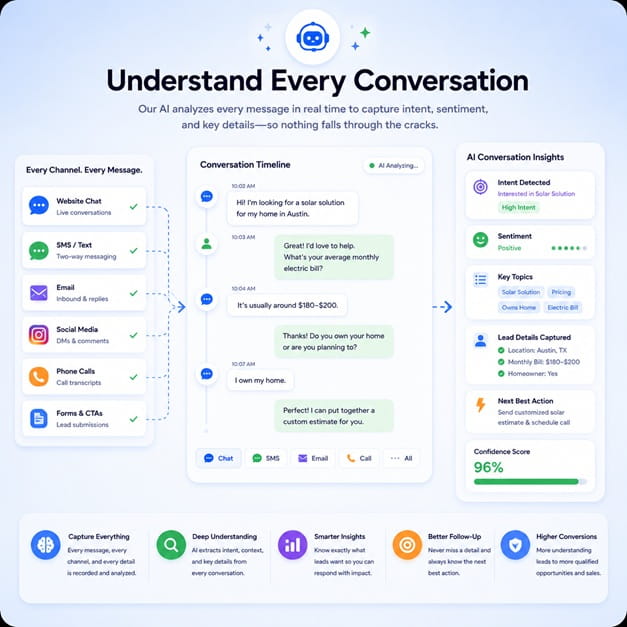
When the assistant should qualify The chatbot should detect fit, location, urgency, service need, and contact readiness without forcing every visitor into a form.
  • Answer general questions first
  • Ask qualifying questions only when intent appears
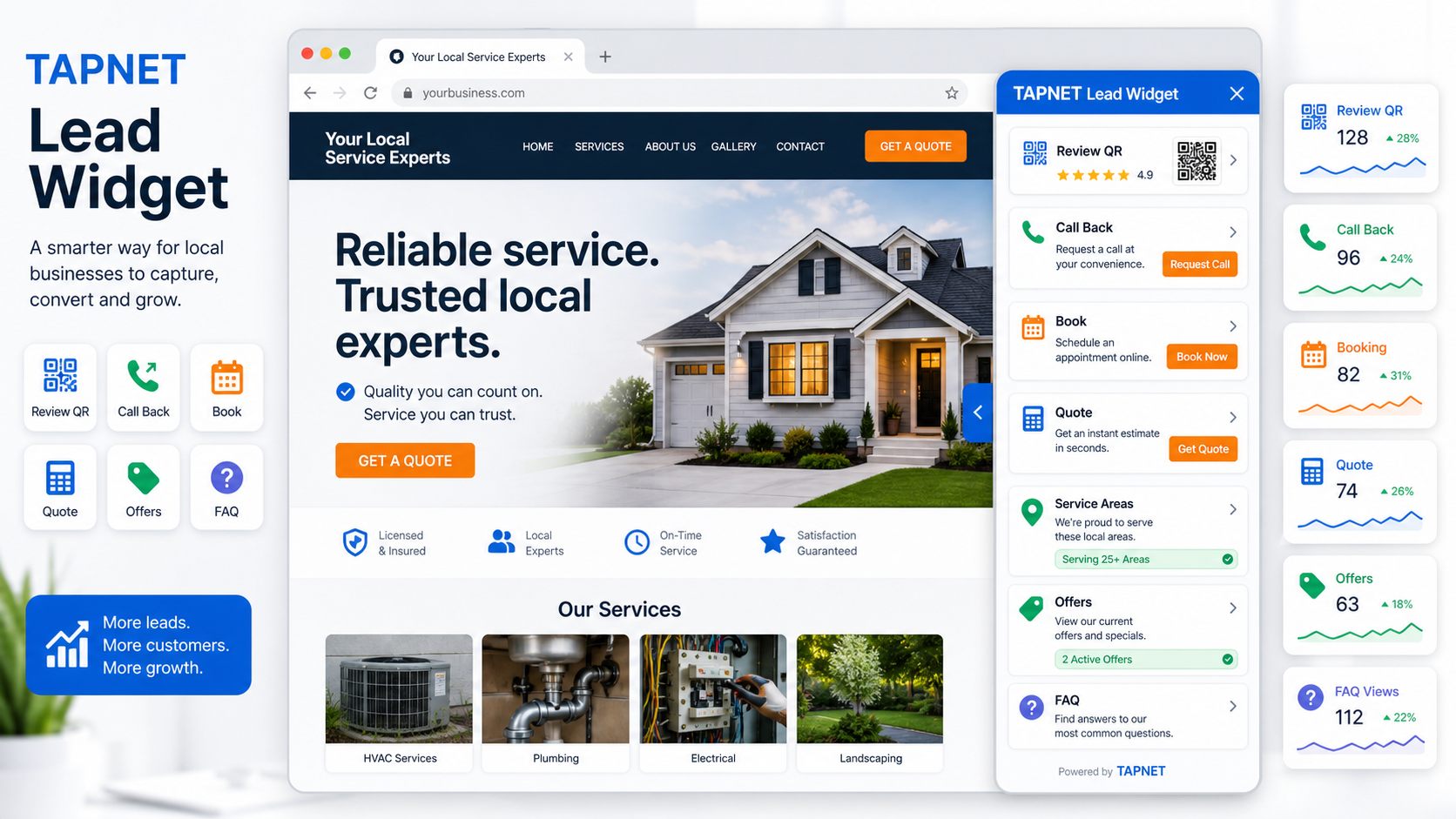
Where Lead Widget fits Lead Widget handles quick actions beside chat: callbacks, reviews, offers, FAQs, booking, quotes, and service-area prompts.
  • Chatbot handles open-ended conversation
  • Lead Widget handles compact actions
How this supports SEO Hub Repeated questions reveal missing pages, weak FAQs, unclear service copy, and ranking opportunities for SEO Hub.
  • Recurring questions become content gaps
  • Execution needs can move to SEO Queue or marketplace tasks

Answers From AI Hub

TAPNET AI Hub dashboard connecting business knowledge, AI visibility, chatbot, lead widget, and add-on workflows.

The chatbot does not start as a disconnected script. It pulls from the same approved business knowledge used for crawlable AI Hub pages, Lead Widget content, and lead workflow context.

Website Conversation Layer

TAPNET AI Assistant lead response and opportunity workspace for managing conversations, leads, follow-ups, and analytics.

Add the AI Assistant to the website so visitors can ask service, pricing, location, proof, booking, quote, and policy questions without searching every page.

Capture When Ready

TAPNET lead response workflow showing instant reply, lead alert, and follow-up readiness.

When lead capture is enabled, the chatbot can turn qualified conversations into opportunities with contact details, source context, and next-step guidance.

What the chatbot should preserve

TAPNET Lead Widget visual showing a compact website side-out widget with review QR, callback, booking, quote, service area, offer, and FAQ tools.
Best after AI Hub setup Build the source first, then let the chatbot answer from it.
Not a CRM replacement The chatbot handles first conversation and handoff context.
Works with Lead Widget Use chat for questions and widget prompts for quick actions.
Feeds SEO Hub Repeated questions can become FAQ, service-page, or SEO Queue work.

Website chatbot rollout path

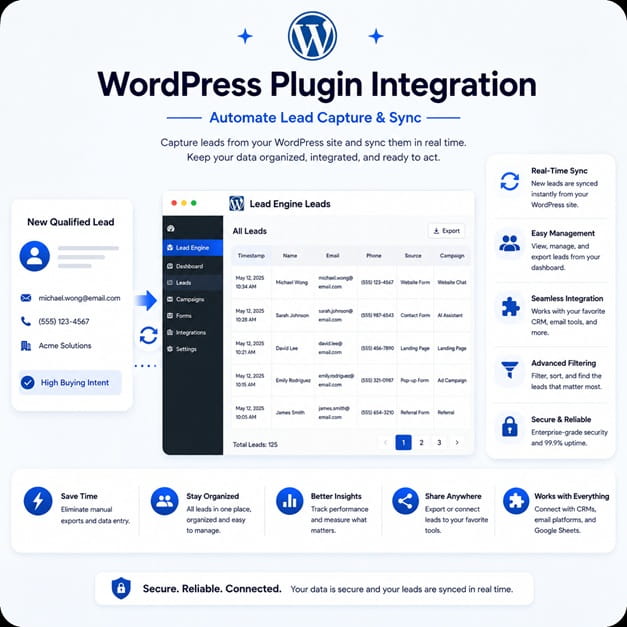
WordPress plugin integration graphic showing TAPNET lead capture and sync.
1 Build AI Hub knowledge Add services, FAQs, locations, pricing guidance, proof, offers, and contact paths.
2 Launch the chatbot Install AI Assistant and connect it to the approved Hub.
3 Tune capture rules Decide when to answer, qualify, create a lead, or hand off.
4 Review conversations Move missing answers to AI Hub and discovery gaps to SEO Hub.

Ready to find the next lead gap?

Start with a Lead Intelligence snapshot, then connect the findings to capture, qualification, and faster follow-up.

Start AI Assistant