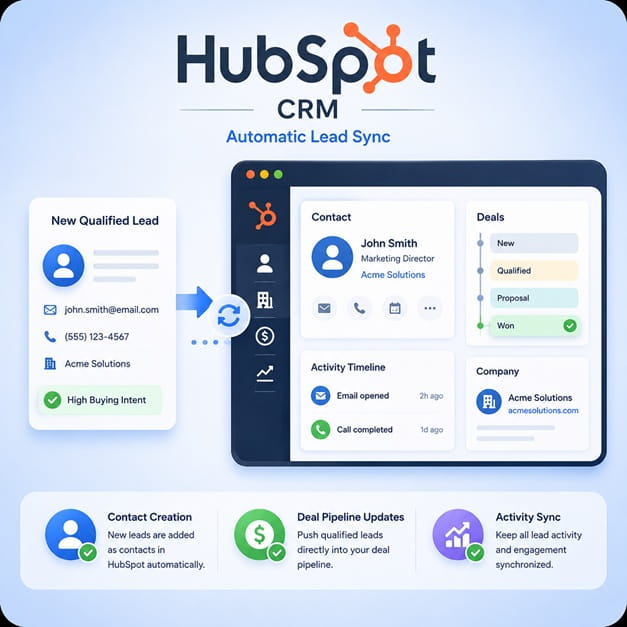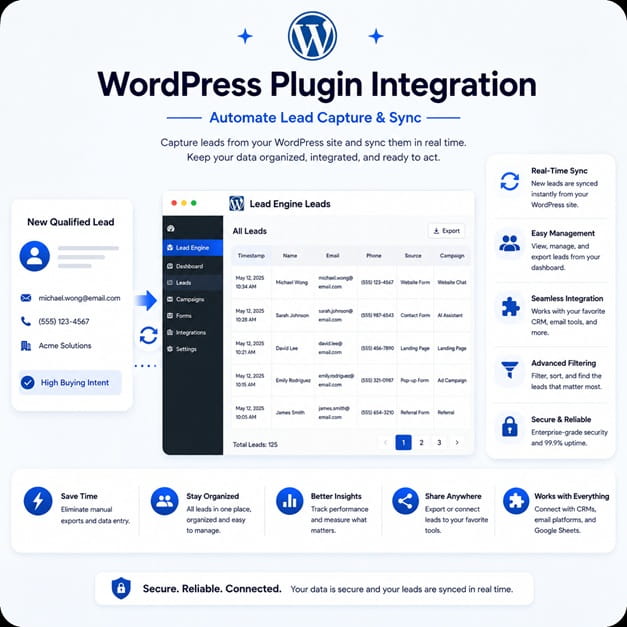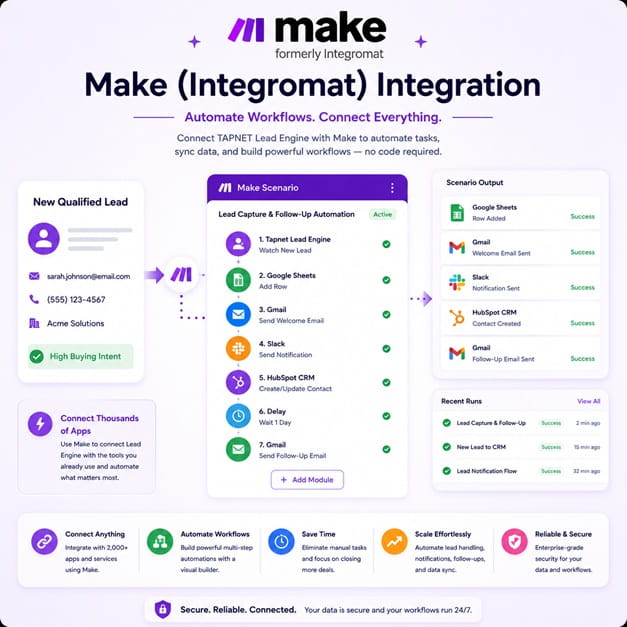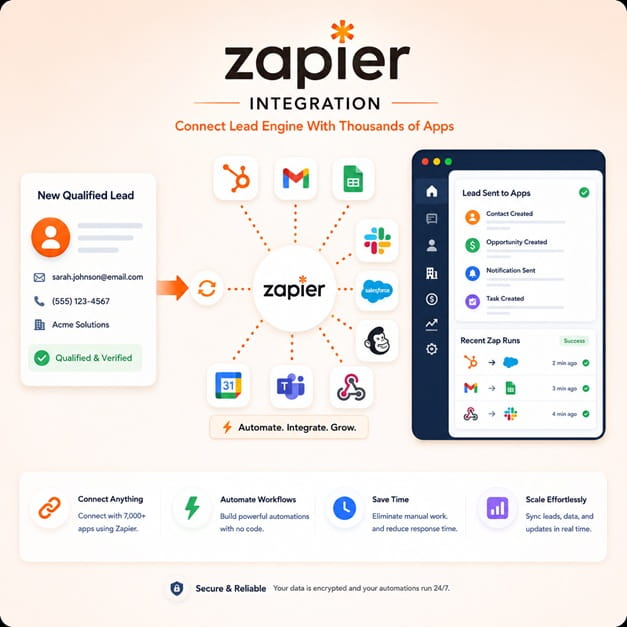
Send forms, CRM contacts, chats, quote requests, and workflow triggers with source context attached.
Vendor Integration
Vendor API Integration
Send Leads With Context
Move forms, CRM contacts, chatbot handoffs, and workflow events into TAPNET with source context intact.
Fit check before launch
Source context preserved
Dry-run before launch
Promo code VENDORS
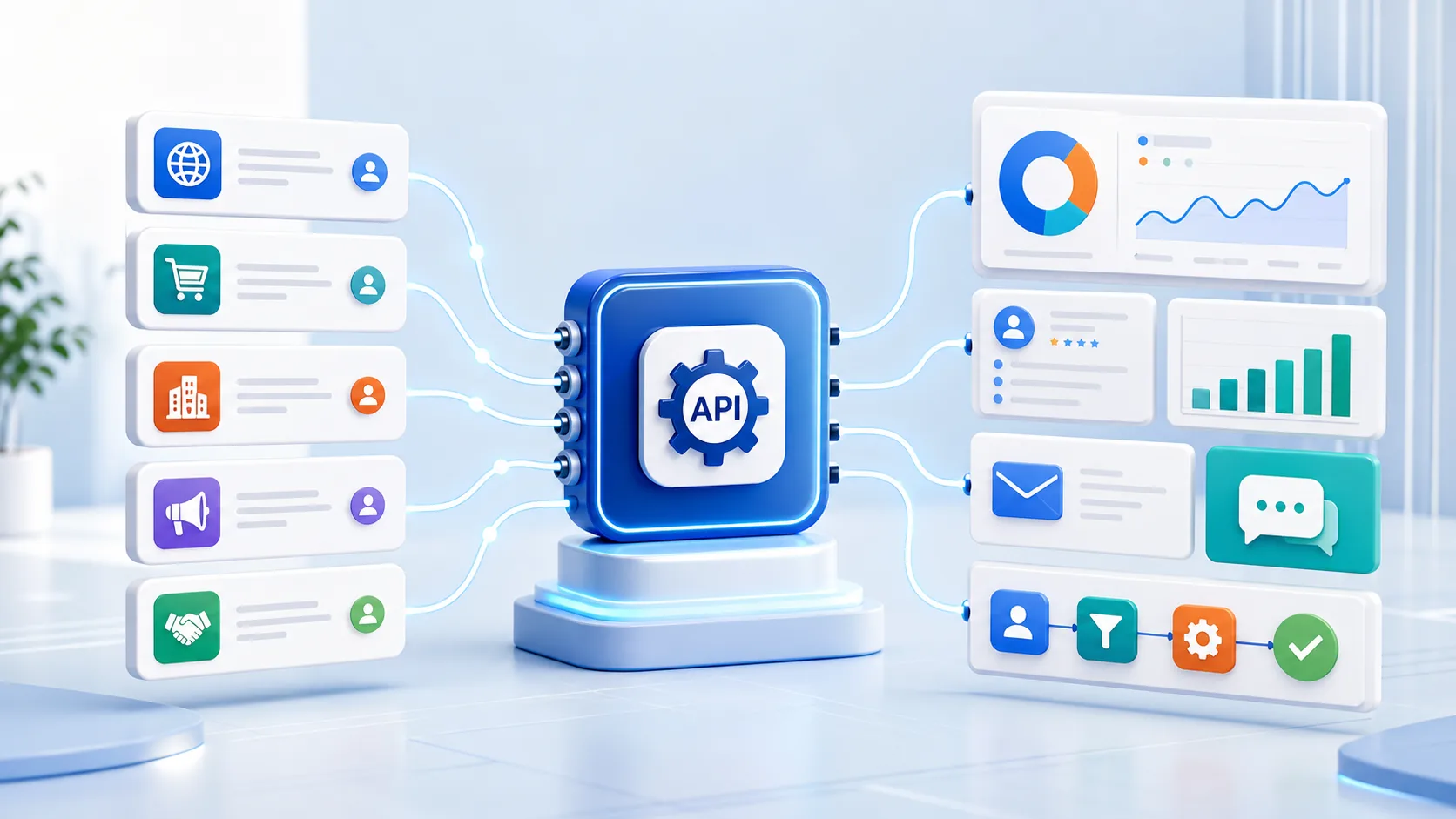
One path for lead handoff
Send lead events into Lead Engine with source context, routing rules, and safer server-side keys.
Store contact, message, campaign, attribution, and routing details in one record.
Validate keys, send dry runs, and review source labels before production traffic.
Built for tools you already use
Use the API when your tool captures the lead and TAPNET should manage the follow-up path.
Create TAPNET AI Hub lead records from external contacts, deals, inquiry stages, pipeline updates, or customer intake forms.
Forward subscriber inquiries, campaign responses, nurture triggers, and automation-generated lead events into a follow-up-ready workflow.
Send website lead submissions to TAPNET while preserving form ID, landing page URL, referrer, campaign, consent, and UTM attribution.
Standardize intake across multiple client websites, funnels, widgets, and automation stacks with a simple server-side HTTP endpoint.
Route qualified conversations, callback requests, booking intent, and handoff events from chatbot platforms into TAPNET AI Hub lead workflows.
Add TAPNET as a lead delivery destination for platforms serving local service businesses, agencies, home services, medical, real estate, or appointment-driven teams.
Promo code VENDORS unlocks vendor test access
Activate vendor access from the TAPNET store and apply promo code VENDORS during checkout to start a free AI Assistant license for integration testing.
Recommended integration flow
Start with a clean test account, protect the intake key, and confirm lead display before sending customer volume.
Activate vendor test access
Create or sign in to TAPNET, choose an AI Hub or Assistant plan, and apply promo code VENDORS during checkout for vendor testing.
Validate the intake key
Open AI Hub, copy the account Intake API Key, validate it from your server, and keep the key out of browser JavaScript.
Map your lead fields
Send contact details, message fields, source labels, consent data, campaign attribution, and routing values that match your platform workflow.
Send dry-run payloads
Validate required fields, accepted responses, source labels, routing, lead display, and notification behavior before production use.
Review production fit
Ask TAPNET to confirm source mapping, account routing rules, domain locking, key rotation, or vendor partnership terms.
Fields developers should send
TAPNET works best when the lead payload includes contact details, source context, consent details, and enough routing information for the account owner to respond quickly.
Before production traffic starts
Vendor integrations should protect keys, preserve attribution, and confirm routing before sending customer volume into Lead Engine.
The Intake API Key should stay server-side. Do not expose the key in browser JavaScript, public forms, screenshots, or client logs.
Include vendor name, form ID, page URL, referrer, campaign, and UTM values so account owners know where each lead originated.
Send dry-run and small production tests first, then confirm accepted responses, lead display, notifications, and campaign assignment.
Forward opt-in status, consent copy, timestamp, and privacy source whenever your platform captures those details.
Vendor integration details
Use these notes to decide whether the Lead Capture API fits your platform, what your developers should send, and what TAPNET should review before production launch.
Who this integration is for
The Vendor Integration page is for CRM platforms, email automation tools, lead capture form builders, WordPress plugins, chatbot tools, vertical SaaS products, workflow tools, and agency platforms that want to send customer leads into TAPNET AI Hub lead workflows.
A vendor can use the integration when their users collect a lead in their own platform and want that lead delivered into TAPNET for lead tracking, assignment, notification, qualification, and follow-up workflows.
- CRM systems that need to create TAPNET AI Hub lead records from external contacts
- Email automation platforms that capture subscriber or inquiry forms
- Form builders and WordPress plugins that collect website lead submissions
- Chatbot and AI assistant tools that need a structured lead handoff path
- Vertical SaaS products that serve appointment-driven local businesses
- Agency tools that manage intake across multiple client websites
- Workflow platforms that need a simple HTTP endpoint for lead handoff
Why vendors add TAPNET as a lead capture destination
TAPNET gives vendors a practical integration story for customers who already use forms, campaigns, chatbots, funnels, and CRMs but still lose leads after the first submission.
Instead of only exporting a contact or sending a generic webhook, vendors can offer a direct lead capture API integration that preserves the buyer message, source attribution, consent details, and routing context needed for faster sales follow-up.
- Give customers another native lead delivery destination
- Reduce manual copy-and-paste between forms, CRMs, inboxes, and follow-up tools
- Preserve attribution from landing pages, campaigns, source URLs, and UTM fields
- Support agencies that manage multiple client lead capture workflows
- Create a clearer upgrade story for vendor customers that need lead routing and follow-up
Common vendor integration use cases
The Lead Capture API is designed for server-side lead handoff from tools that already collect buyer intent. Vendors can send simple required fields first, then add source, routing, campaign, and consent details as the integration matures.
- Send website form submissions from a form builder into TAPNET AI Hub lead workflows
- Create a lead when a CRM deal, contact, or inquiry reaches a qualified stage
- Forward chatbot handoff events, callback requests, and booking-intent conversations
- Route campaign landing page submissions into the correct TAPNET account or campaign
- Connect agency-managed client funnels to a consistent lead follow-up workspace
- Pass email automation replies or subscriber inquiries into sales follow-up
Recommended integration flow
The simplest flow is: your form, CRM, chatbot, landing page, or automation platform captures a lead, your server sends the lead payload to the TAPNET Lead Capture API, and TAPNET AI Hub stores the lead for review, routing, and follow-up.
For production integrations, TAPNET can help confirm campaign mapping, expected fields, lead source naming, and any account-level routing rules before vendor customers start sending volume.
- Vendor captures a form submission, CRM contact, chatbot handoff, callback request, or automation event
- Vendor sends the lead to TAPNET using the account Intake API Key
- TAPNET AI Hub stores the lead with source, campaign, and contact context
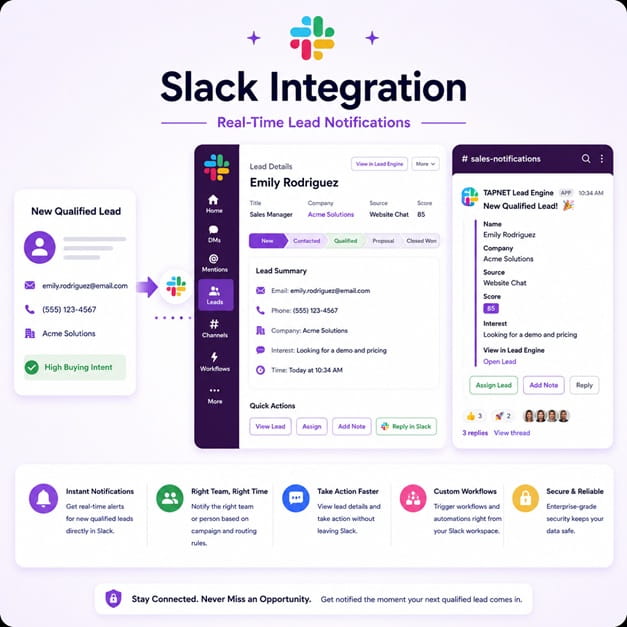
- The TAPNET account owner reviews the lead, routes follow-up, and tracks activity
Authentication and vendor access
Each TAPNET account uses its own Intake API Key for lead delivery. API keys should be treated as secrets and stored server-side by the vendor or integration owner.
Vendors can register for TAPNET, open the Store from the customer portal, and activate an AI Hub or Assistant plan. Use promo code VENDORS when ordering vendor test access.
- Create or sign in to a TAPNET account
- Open Store from the customer portal and choose an AI Hub or Assistant plan
- Apply promo code VENDORS during checkout
- Open AI Hub and copy the Intake API Key from the developer integration area
- Use the key only from trusted server-side integration code
If a vendor needs production approval, domain locking, key rotation, or custom routing, contact TAPNET before launching the integration to customers.
Fields developers should send
TAPNET works best when the lead payload includes the buyer contact details, the form or source that created the lead, attribution details, consent context, and enough message information for the business to respond quickly.
- Contact details: name, email, phone, company, and location
- Lead message: the inquiry, selected service, notes, or form answers
- Source details: vendor name, form ID, page URL, referrer, campaign, and UTM fields
- Consent details: opt-in status, consent text, timestamp, and privacy source when available
- Routing details: service interest, target location, account, campaign, or assigned team when supported
Integration phrases this page supports
If you are comparing API options or planning keyword campaigns, this page is built around practical vendor integration language rather than broad lead generation claims.
- vendor lead capture API
- CRM lead capture integration
- form builder lead delivery API
- WordPress lead capture integration
- marketing automation lead routing
- chatbot lead handoff API
- lead routing API for agencies
- SaaS vendor integration for lead capture
Testing checklist
Developers should send a small number of test leads before enabling production traffic. Use clear test names and source labels so the TAPNET account owner can confirm that delivery, routing, and lead display are working as expected.
- Send one lead with full contact details and one lead with only required fields
- Confirm the API returns an accepted response
- Confirm the lead appears in TAPNET AI Hub lead workflows with the correct source label
- Confirm notifications, routing, or campaign assignment behave as expected
- Confirm no API key is exposed in browser JavaScript or public logs
Developer and partnership support
Most vendors do not need a custom contact form to begin. Start by activating vendor access, reviewing the v1.1 API brief at /assets/tapnet/home/TAPNET_Lead_Capture_API_Developer_Brief_v1.1.pdf, validating the intake key, and sending dry-run test payloads through the Lead Capture API.
Send the TAPNET API brief to your developers so they can review the endpoint, authentication model, key validation endpoint, dry-run mode, sample payloads, and test workflow.
Contact TAPNET when you need custom source mapping, production launch review, domain locking, key rotation, or vendor partnership terms.
Developer and partnership support
Most vendors can begin by activating access, reviewing the v1.1 API brief, validating the intake key, and sending dry-run test payloads through the Lead Capture API.
Share the v1.1 API brief with your team to review endpoints, authentication, intake key validation, dry-run mode, sample payloads, and test workflow.
Contact TAPNET when you need custom source mapping, launch review, domain locking, key rotation, white-label routing, or vendor partnership terms.
Ready to connect your vendor workflow to TAPNET?
Activate vendor access, apply promo code VENDORS, and use your free AI Assistant license to validate the Lead Capture API before production launch.