
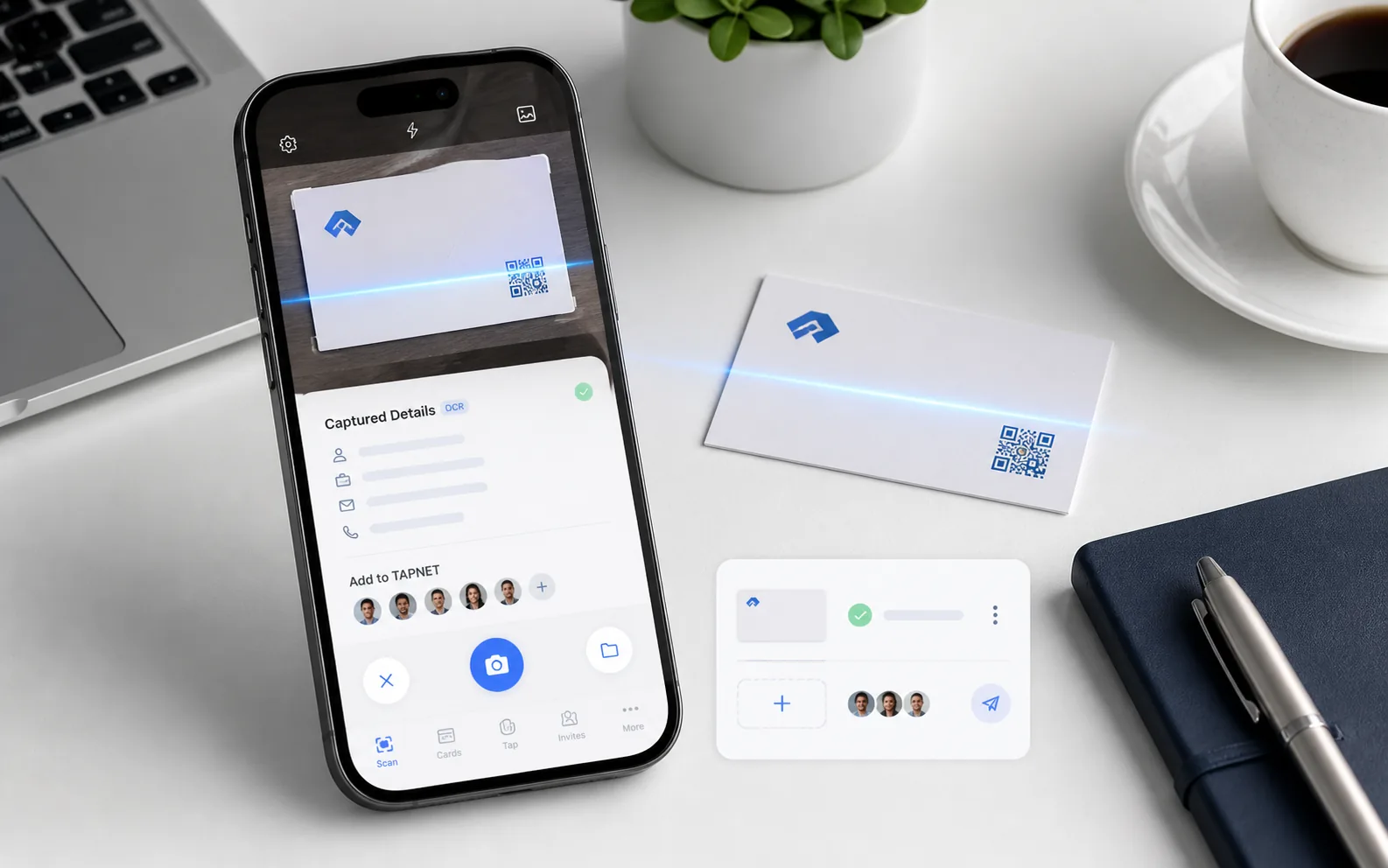
What The Scanner Fixes
Paper cards are easy to collect and easy to lose. TAPNET keeps the image, extracted fields, and follow-up action together.
Capture The Card Image
Use the mobile camera, upload saved card photos, capture the back side when needed, or keep a photo-only lead for review when the details are not ready yet.
- Front and back card capture
- Optional avatar image
- Saved image thumbnails
- Google Lens handoff for copied OCR text
Review Before It Becomes A Lead
Smart Fill turns pasted OCR text into editable lead fields so the contact can be checked before it mirrors into TAPNET workflows.
- Name, company, title, email, phone, website, and address fields
- Notes for event context and promised next steps
- Duplicate and queue status checks
Invite The Contact Forward
Send a client invite with a tokenized link so the person can continue from the captured lead details instead of starting over.
- Prefilled registration path
- Client invite status
- Digital business card next step
Business Card Scanner Workflow
Find The Next Gap
Start with a Lead Intelligence snapshot, then connect the findings to capture, qualification, and faster follow-up.
Open Scanner