TAPNET AI Hub

TAPNET AI Hub

One Verified Business Knowledge Source For AI Discovery

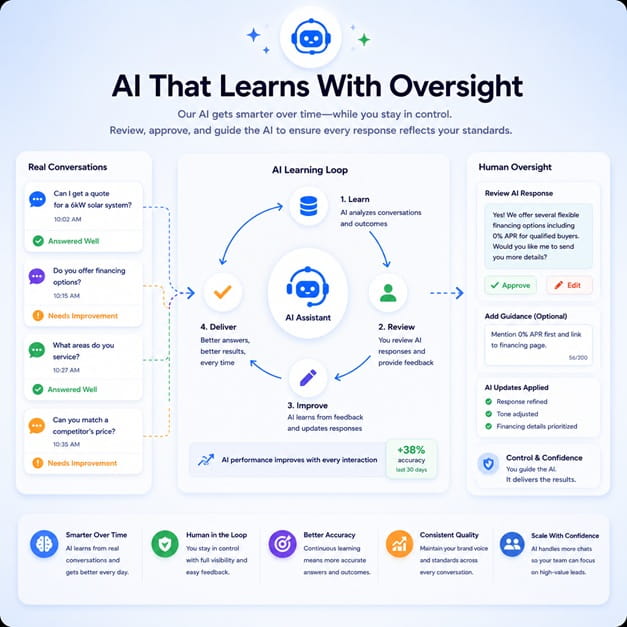
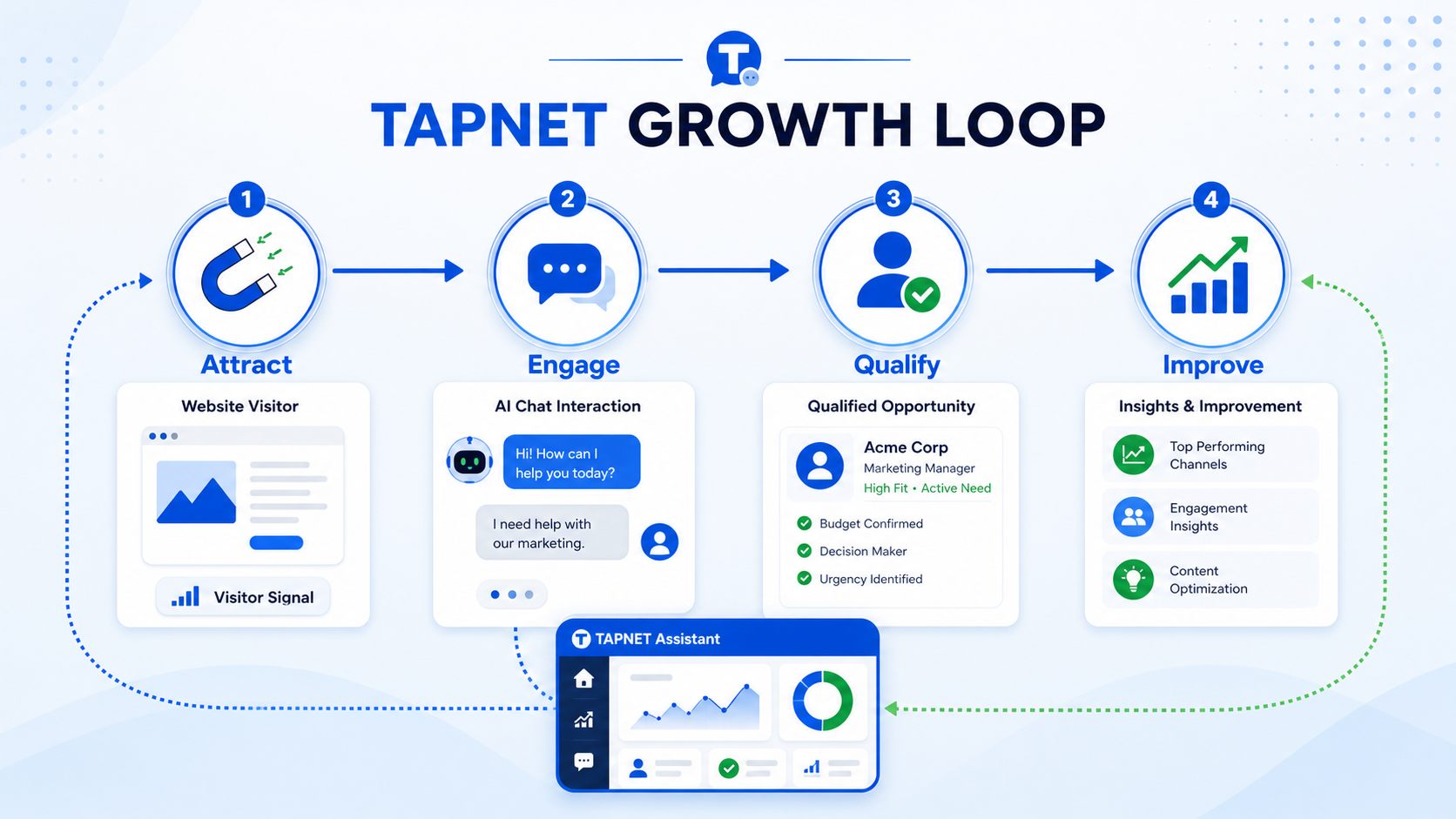
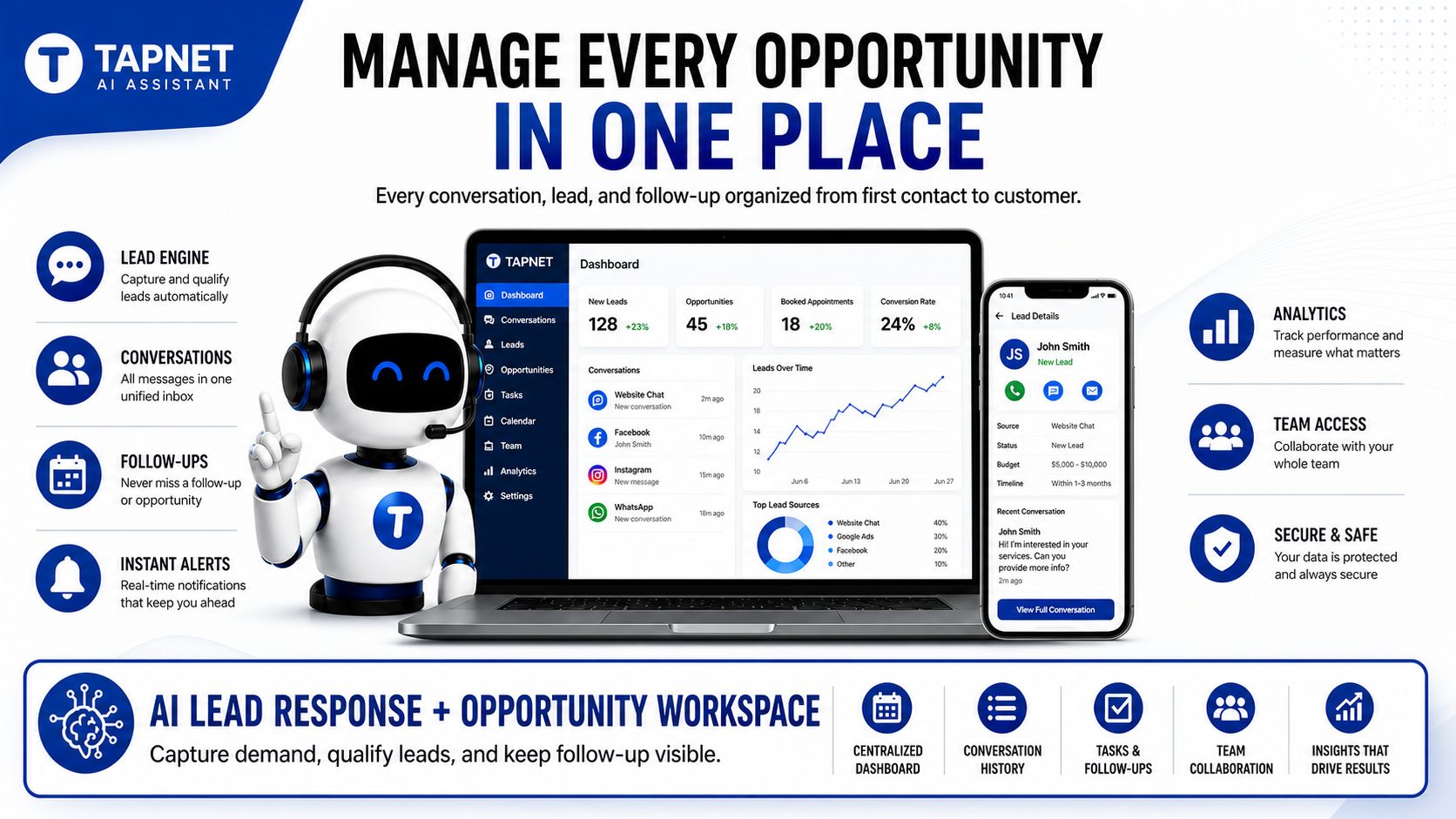
16:9 TAPNET AI Assistant lead response graphic without pricing or promo text.

AI Hub turns services, locations, FAQs, proof, pricing guidance, and contact paths into one reviewed business knowledge source for public pages, WordPress, and TAPNET add-ons.

AI Hub Feature Ticket Crawlable AI profile Service and location pages Question clusters Freshness monitoring Lead Widget source content AI Assistant knowledge

What AI Hub fixes before lead capture

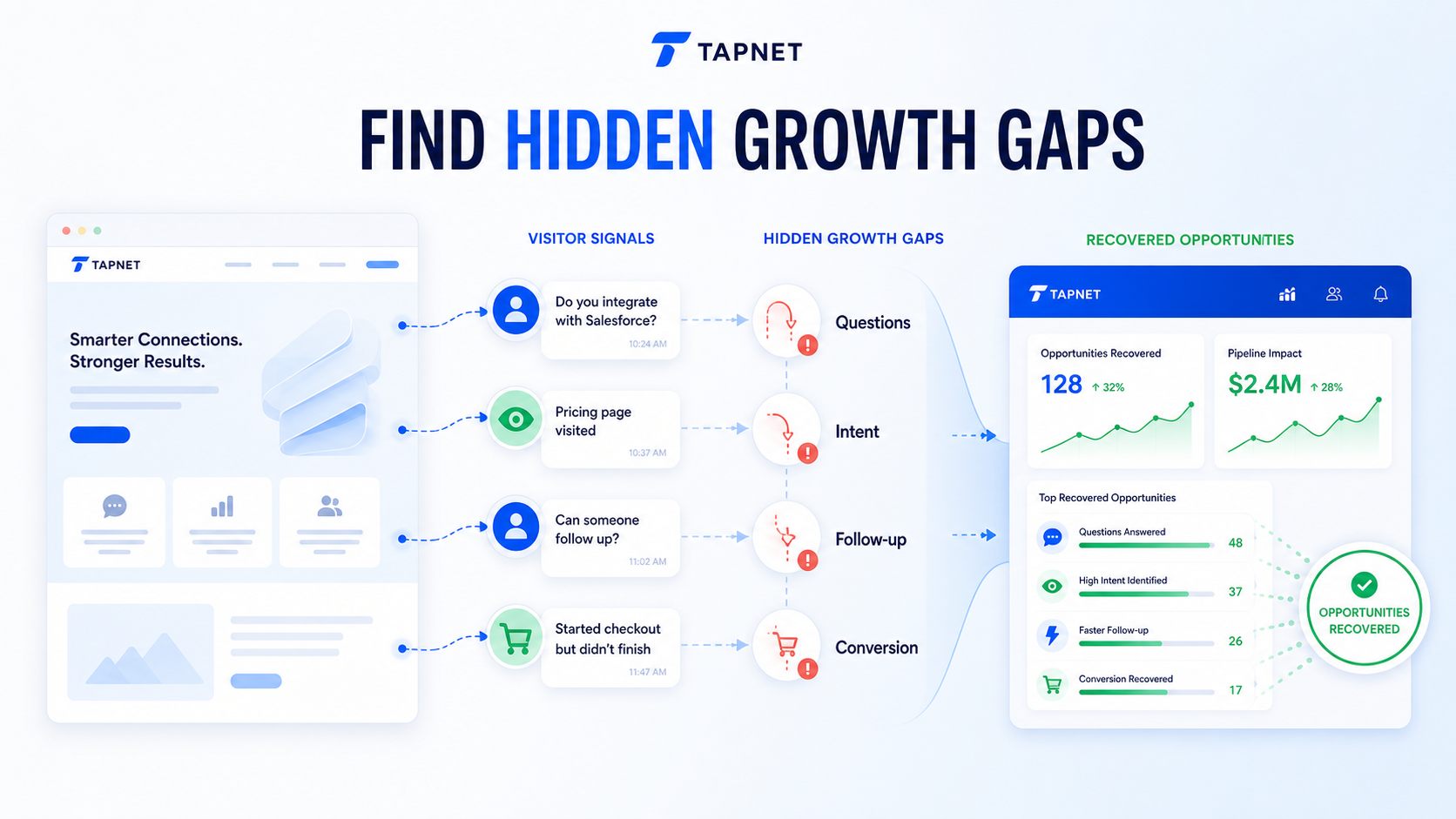
TAPNET hidden growth gaps visual showing unanswered questions, hidden intent, slow follow-up, and conversion gaps.

AI Hub makes the business easier to understand before a visitor becomes a lead.

AI tools see scattered facts Publish one first-party profile with services, locations, proof, FAQs, and contact paths.
Service details are shallow Give each core service clear fit, pricing factors, proof, and next steps.
Location context is vague Show service areas, local proof, hours, and availability in one crawlable source.
Old facts stay online Flag services, pricing, hours, locations, and contact details that need review.

Start with the hub. Then attach the add-ons.

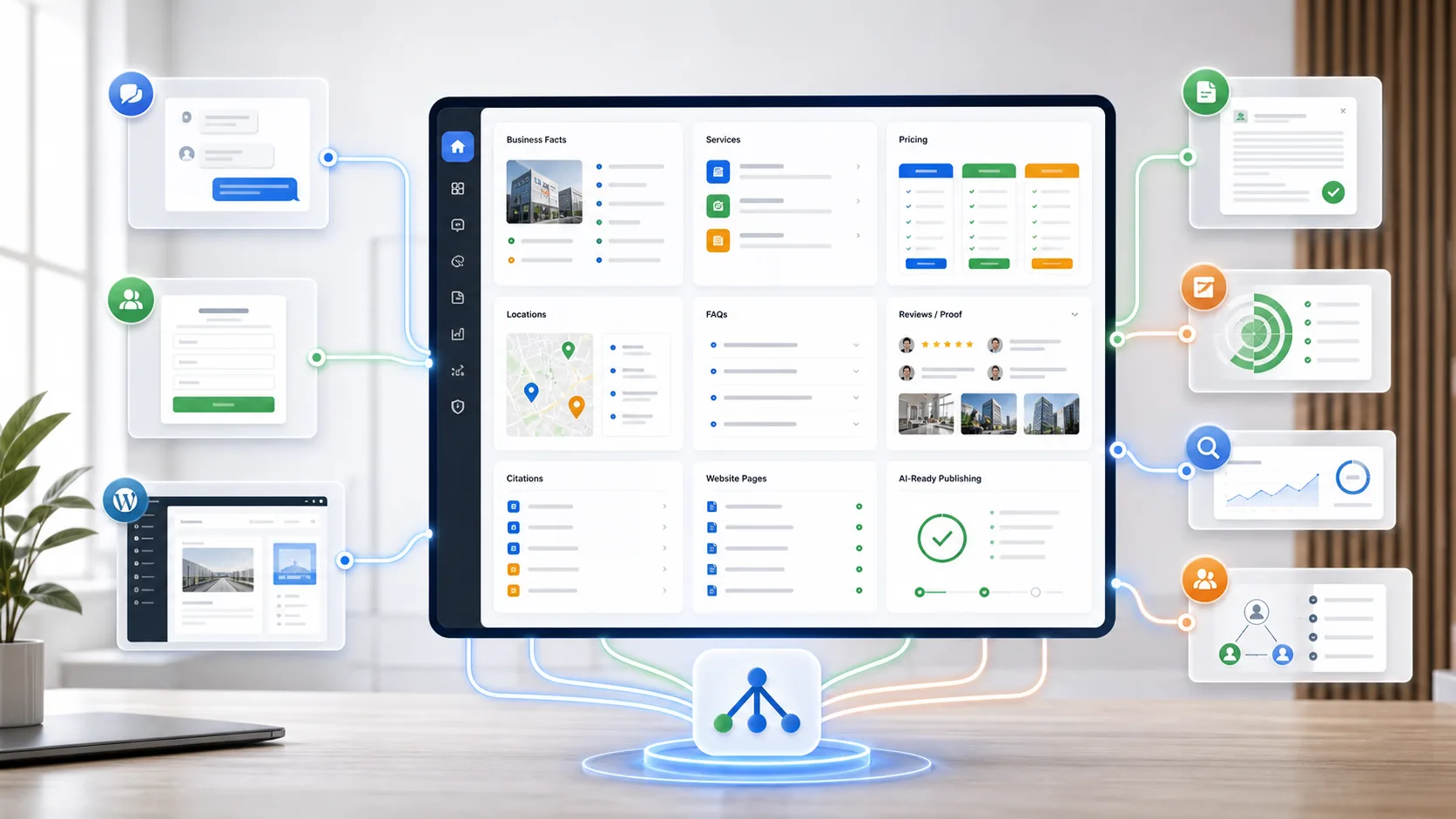
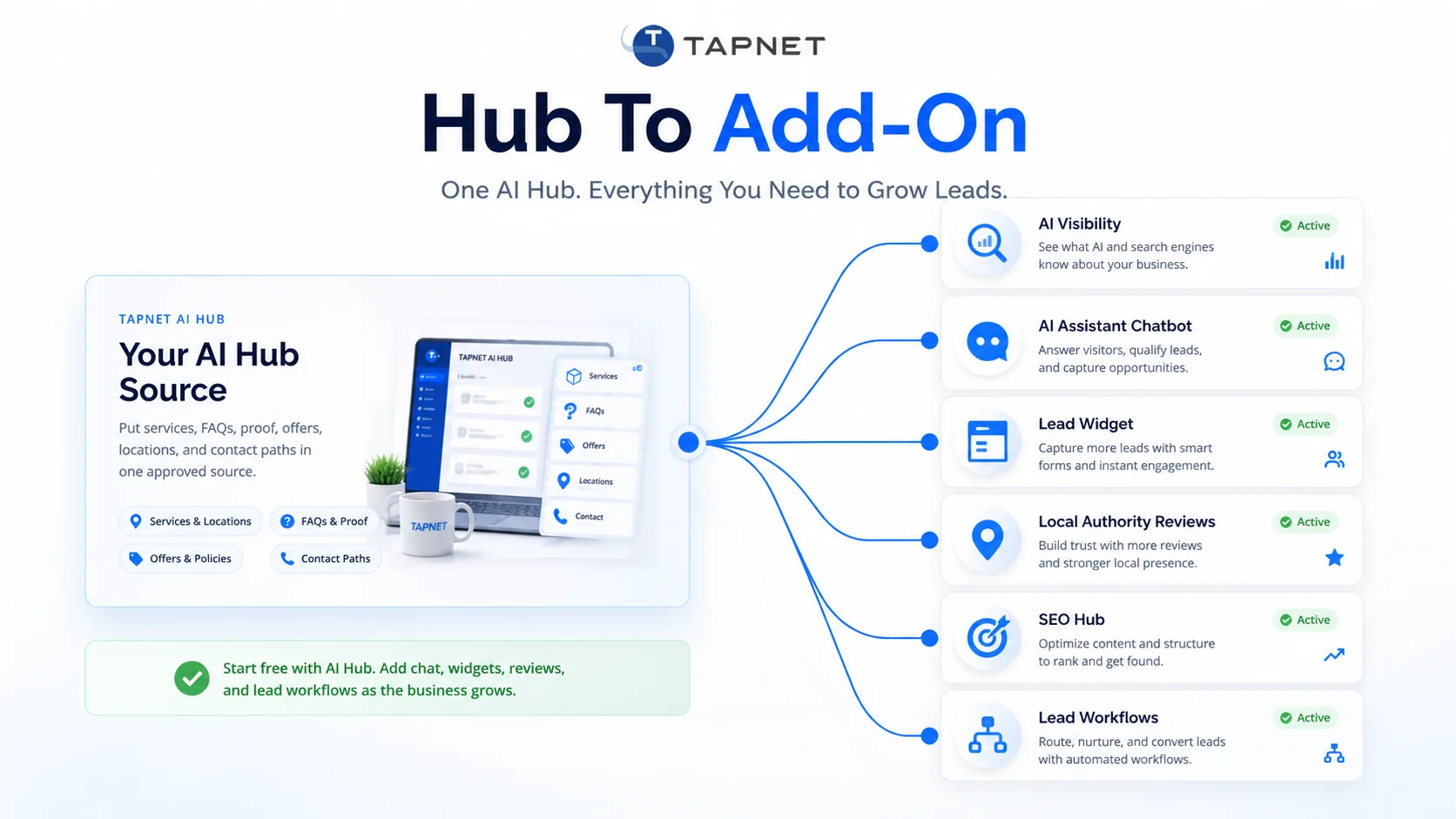
TAPNET AI Hub dashboard connecting business knowledge, AI visibility, chatbot, lead widget, and add-on workflows.
AI Hub is the source Services, locations, FAQs, proof, offers, and contact paths are answered once.
AI Assistant answers The chatbot uses Hub knowledge for visitor questions and light qualification.
Lead Widget acts Widget prompts reuse Hub facts for callbacks, reviews, offers, booking, and quotes.
SEO Hub grows demand SEO Hub finds the keyword, content, and authority work needed beyond the Hub.

AI Hub Crawlable Publishing Framework

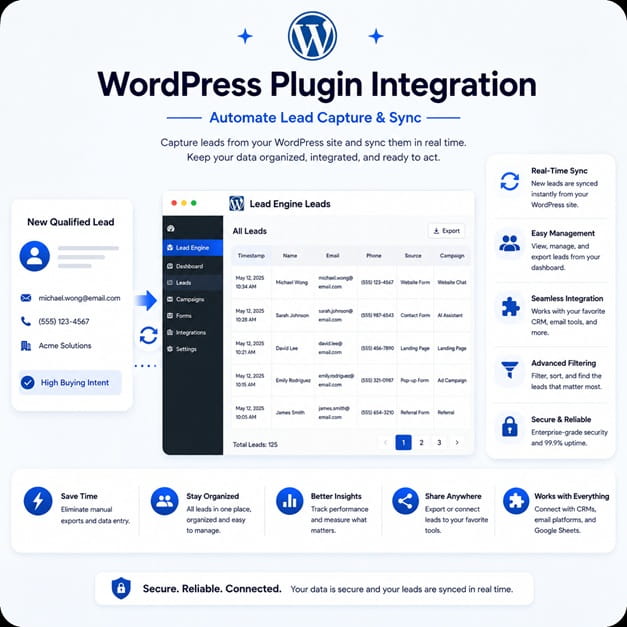
16:9 TAPNET Lead Engine dashboard graphic for WHMCS addon marketing.

The Hub publishes the clearest version of the business, then points demand and ranking work to SEO Hub.

Core Hub Checklist A strong Hub covers the facts visitors and AI systems need before lead capture.
  • Business profile, service promise, and ideal customer fit
  • Core services, locations, hours, pricing guidance, and next steps
  • FAQs, reviews, proof, guarantees, certifications, and source links
  • Phone, email, booking, chat, forms, and response expectations
Crawlable AI Content AI Hub publishes first-party pages crawlers can reach on TAPNET, WHMCS, WordPress, or a custom site.
  • Public AI content pages and profile routes
  • Service and location pages where needed
  • llms.txt and sitemap-style discovery paths
What AI Hub Does Not Do AI Hub improves the source of truth, but it does not guarantee rankings, citations, traffic, or sales.
  • It does not replace SEO Hub, technical SEO, reviews, citations, or authority work
  • It does not instantly remove stale third-party information
Why SEO Hub Still Matters AI Hub organizes the facts. SEO Hub finds the demand gaps, page gaps, and ranking work required to be discovered.
  • Keyword, page, indexability, and content-depth checks
  • SEO Queue or provider marketplace handoff when execution is needed
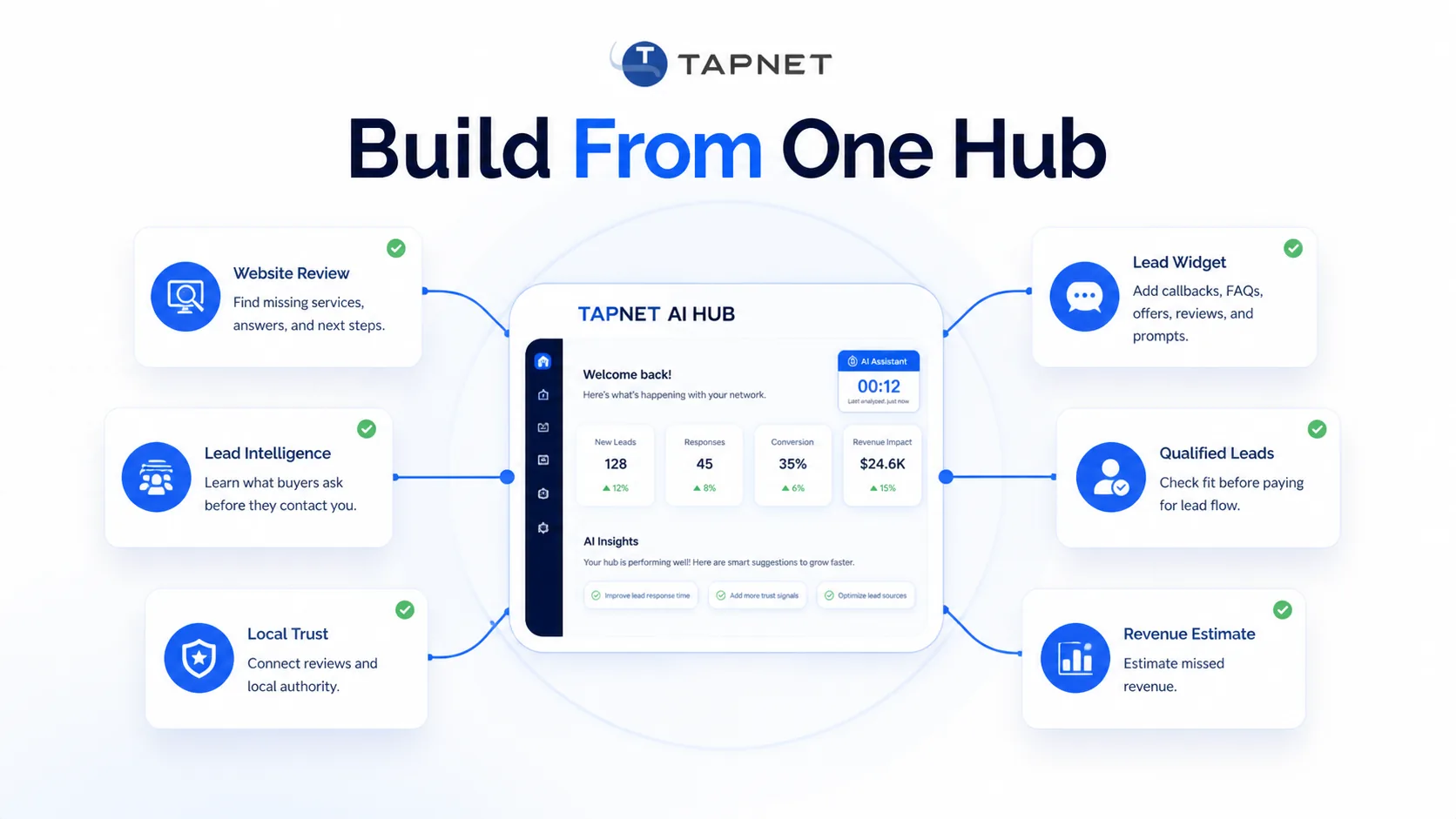
Add-Ons Hang From The Hub AI Assistant, Lead Widget, AI Visibility, SEO Hub, reviews, alerts, and lead workflows should inherit the same Hub facts.
  • One reviewed source reduces duplicate scripts and conflicting copy
  • Freshness checks keep connected experiences aligned

Approved Knowledge Layer

16:9 TAPNET Lead Engine dashboard graphic for WHMCS addon marketing.

The client answers business questions once. AI Hub stores the reviewed facts that define the business, services, locations, proof, pricing guidance, citations, and response promises.

Crawlable Publishing

16:9 TAPNET SEO Manager SEO Hub dashboard graphic for WHMCS addon marketing.

WHMCS publishing, downloadable pages, and WordPress routes turn AI Hub data into first-party pages crawlers can read without relying on widgets or mixed third-party listings.

Add-ons Hang From The Hub

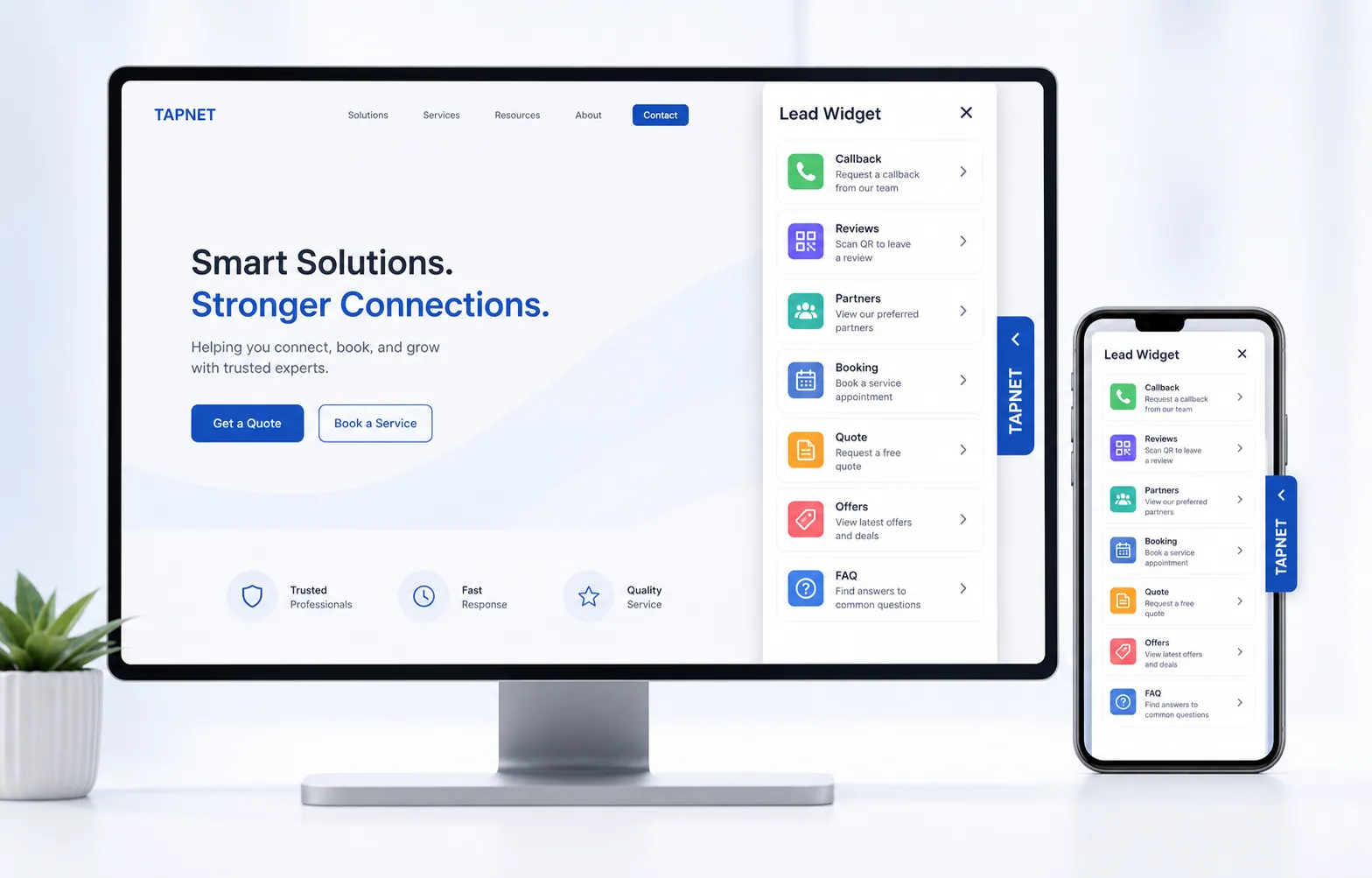
TAPNET Lead Widget visual showing a compact website side-out widget with review QR, callback, booking, quote, service area, offer, and FAQ tools.

AI Assistant, Lead Widget, Lead Intel, SEO Queue, review proof, and optional lead workflows use the same source instead of each tool inventing its own business facts.

What the AI Hub powers next

TAPNET Lead Widget visual showing a compact website side-out widget with review QR, callback, booking, quote, service area, offer, and FAQ tools.
AI discovery profile Business facts are organized for crawlers and answer engines.
Website chatbot answers AI Assistant answers from reviewed Hub knowledge.
Lead Widget content Widget prompts reuse Hub facts for reviews, offers, service areas, and quotes.
SEO Hub handoff Demand and ranking gaps become SEO Hub or SEO Queue work.

AI Hub rollout path

16:9 TAPNET SEO Manager SEO Hub dashboard graphic for WHMCS addon marketing.
1 Inventory the business Capture services, locations, FAQs, proof, pricing guidance, offers, and contact paths.
2 Fill knowledge gaps Use AI Visibility and question clusters to find missing answers.
3 Publish crawl outputs Create public pages, WordPress routes, downloadable files, and llms.txt maps.
4 Attach add-ons Connect Assistant, Lead Widget, SEO Hub, reviews, alerts, or lead workflows as needed.

Ready to find the next lead gap?

Start with a Lead Intelligence snapshot, then connect the findings to capture, qualification, and faster follow-up.

Build My AI Hub