
SEO Manager keeps WHMCS pages clean
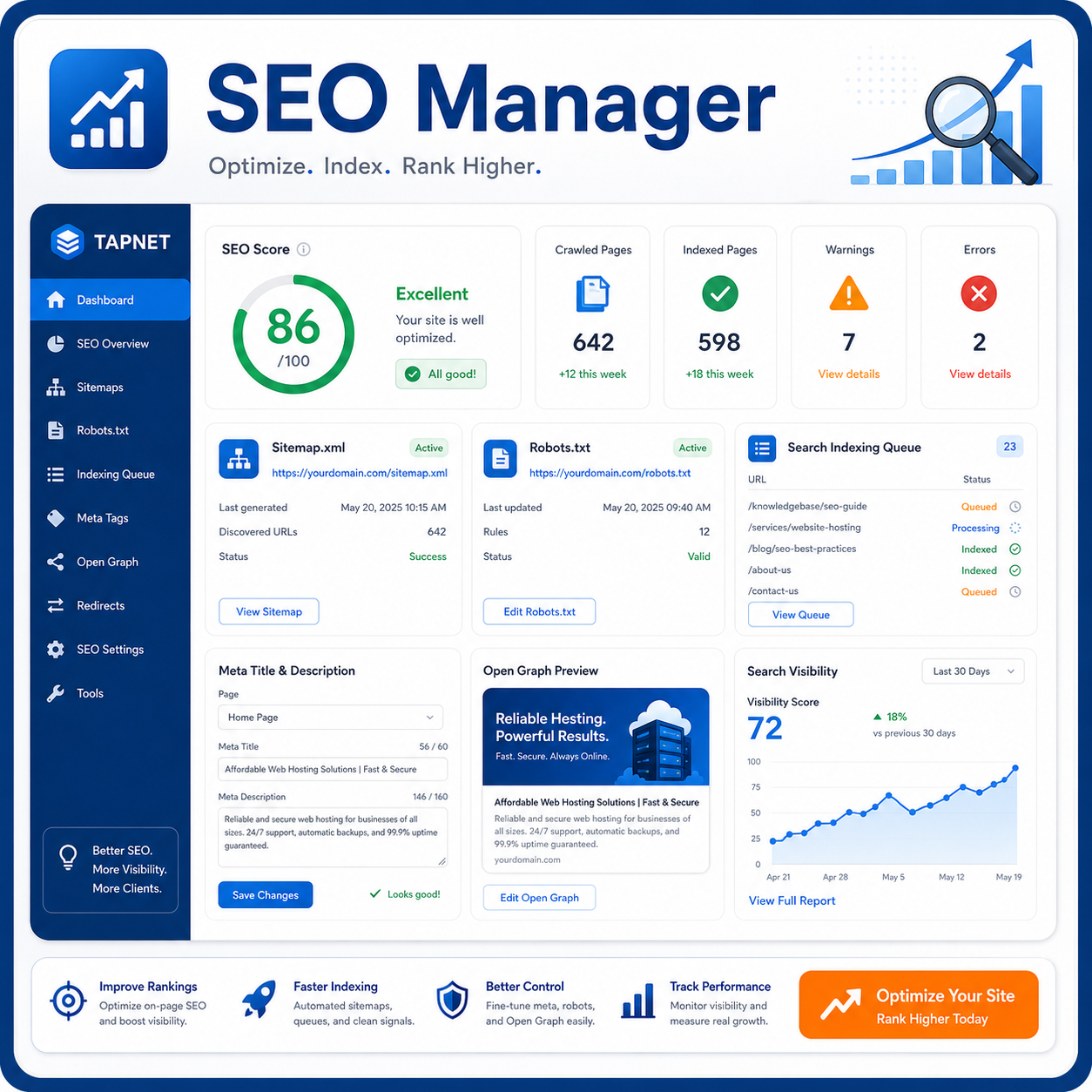
SEO Manager gives site owners a practical admin workspace for the search controls WHMCS does not make easy to manage across public pages, store products, and client-facing content.
Use it for the operational SEO layer first: titles, descriptions, canonical URLs, robots directives, Open Graph, Twitter cards, sitemap generation, robots.txt output, redirects, 404 tracking, crawl checks, and media metadata.
- Control metadata and social previews from one WHMCS addon
- Generate sitemap.xml and robots.txt outputs for public WHMCS paths
- Review 404s, redirects, crawl results, and page-level SEO report data
SEO Hub turns ranking data into keyword decisions
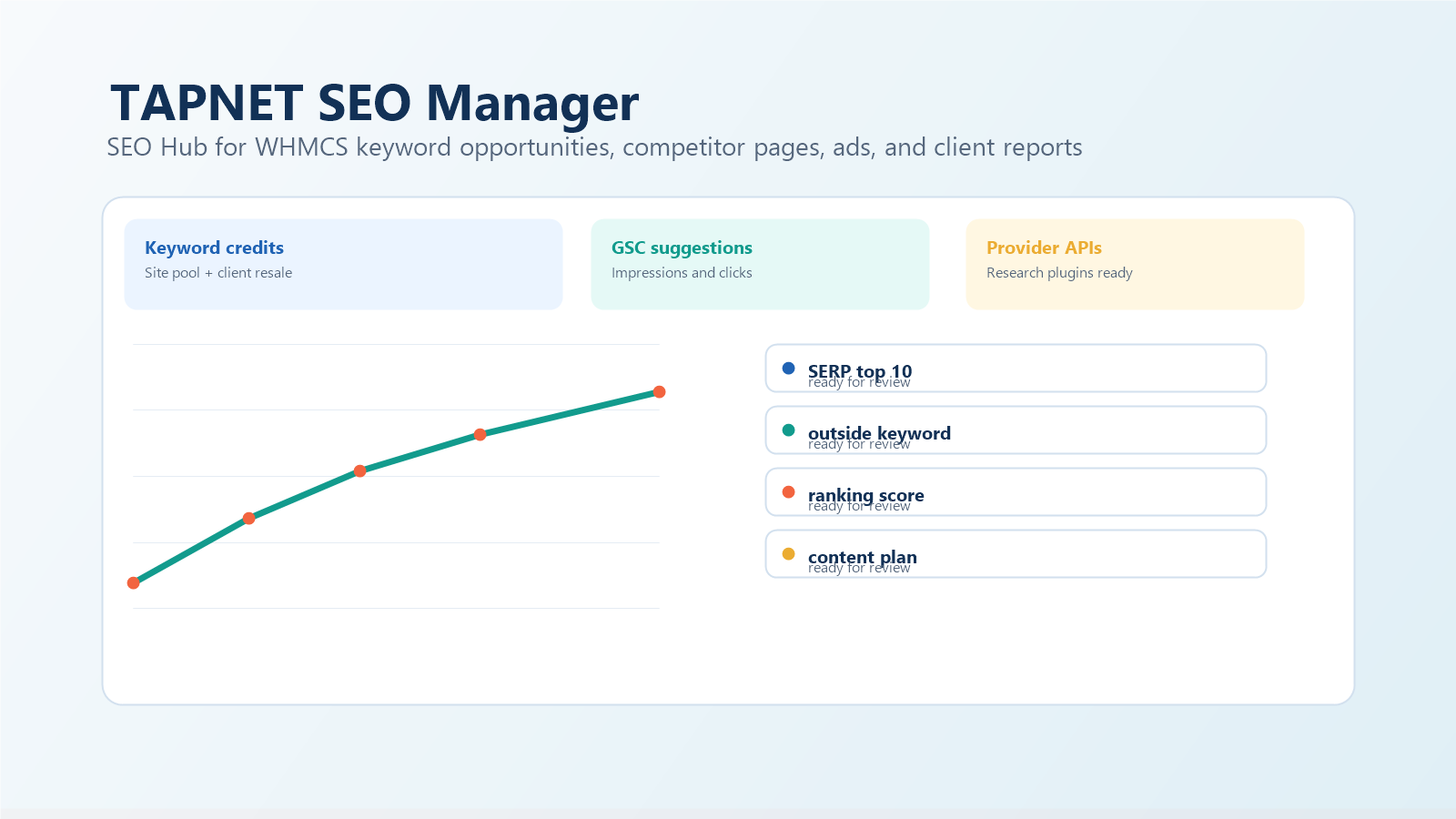
SEO Hub starts with a domain, sitemap, or Google Search Console connection, then helps pick keywords that already show impressions or clicks. Site owners can also add outside keywords when a service, offer, or competitor gap is worth testing.
For each selected keyword, the workflow stages top results, reviews titles and descriptions, captures competitor and ad evidence, and produces a competitive keyword rating so the owner can decide whether the ranking effort is worth pursuing.
- Suggest keywords from Search Console impressions and clicks
- Allow manually entered keywords outside the current ranking set
- Analyze top-ranking results, page titles, descriptions, ad evidence, and landing-page signals
Client mode lets WHMCS owners resell the workflow
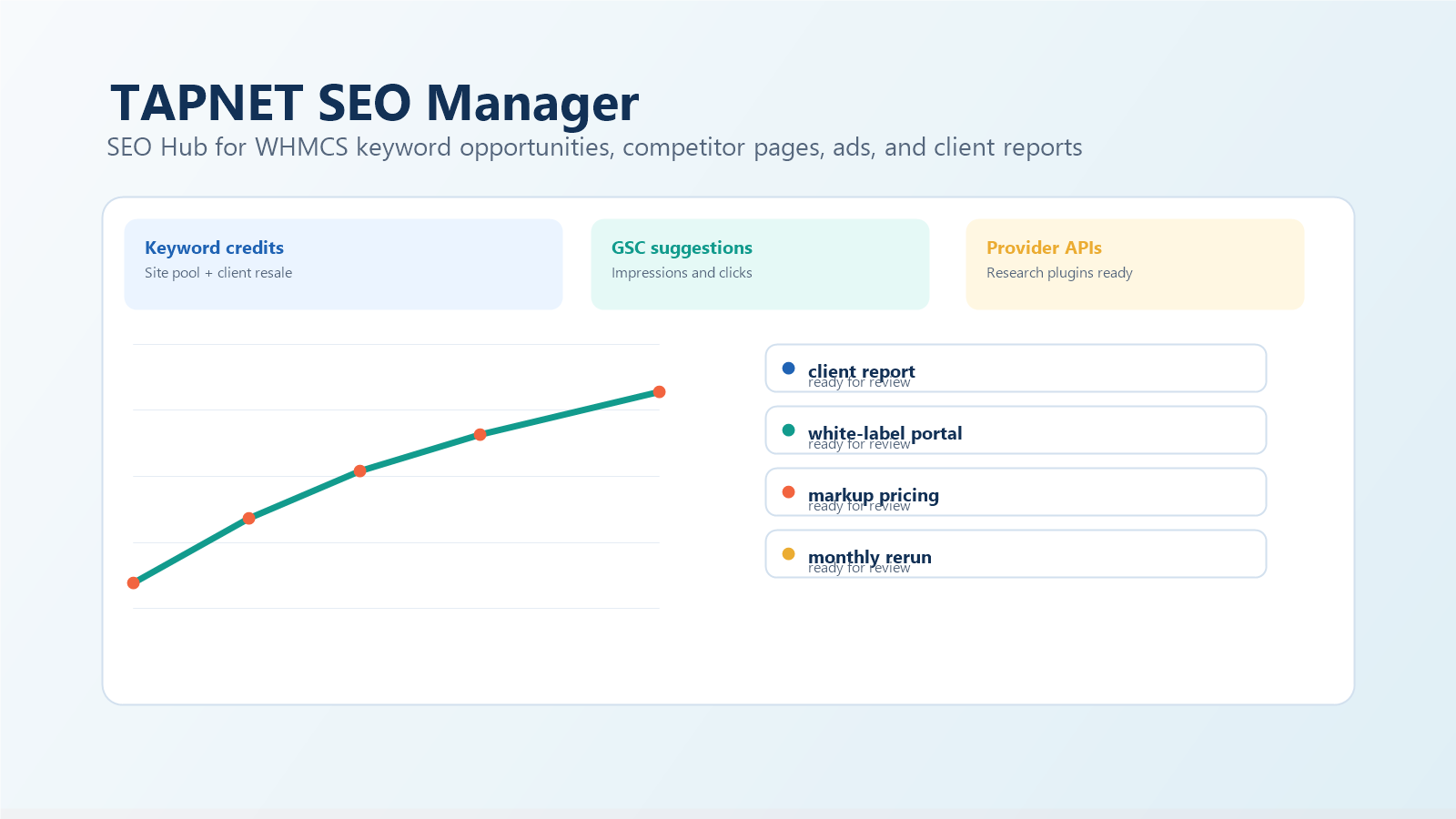
The addon stays admin-first by default, but WHMCS site owners can enable client mode when they want to offer SEO Hub reports to their own clients. Keyword credits purchased from TAPNET become a site pool that can be used internally or allocated to clients.
Owners can create the WHMCS product manually from the setup instructions or let the addon create a ready-to-configure product. Pricing can be marked up so the owner controls their client margin while TAPNET supplies the keyword analysis capacity.
- Use one quantity-based keyword credit configurable addon
- Allocate credits internally or to client-facing SEO Hub reports
- Set retail pricing and markup while TAPNET tracks subscribed keyword capacity
Provider APIs leave room for better data
SEO Hub is designed so keyword research, SERP collection, ad discovery, and landing-page analysis can improve over time without locking the addon to one vendor. Provider intake APIs can stage suggestions and evidence from TAPNET services or third-party plugins.
- Accept keyword research and SERP suggestions from provider connectors
- Expose profile data for trusted internal or developer-built integrations
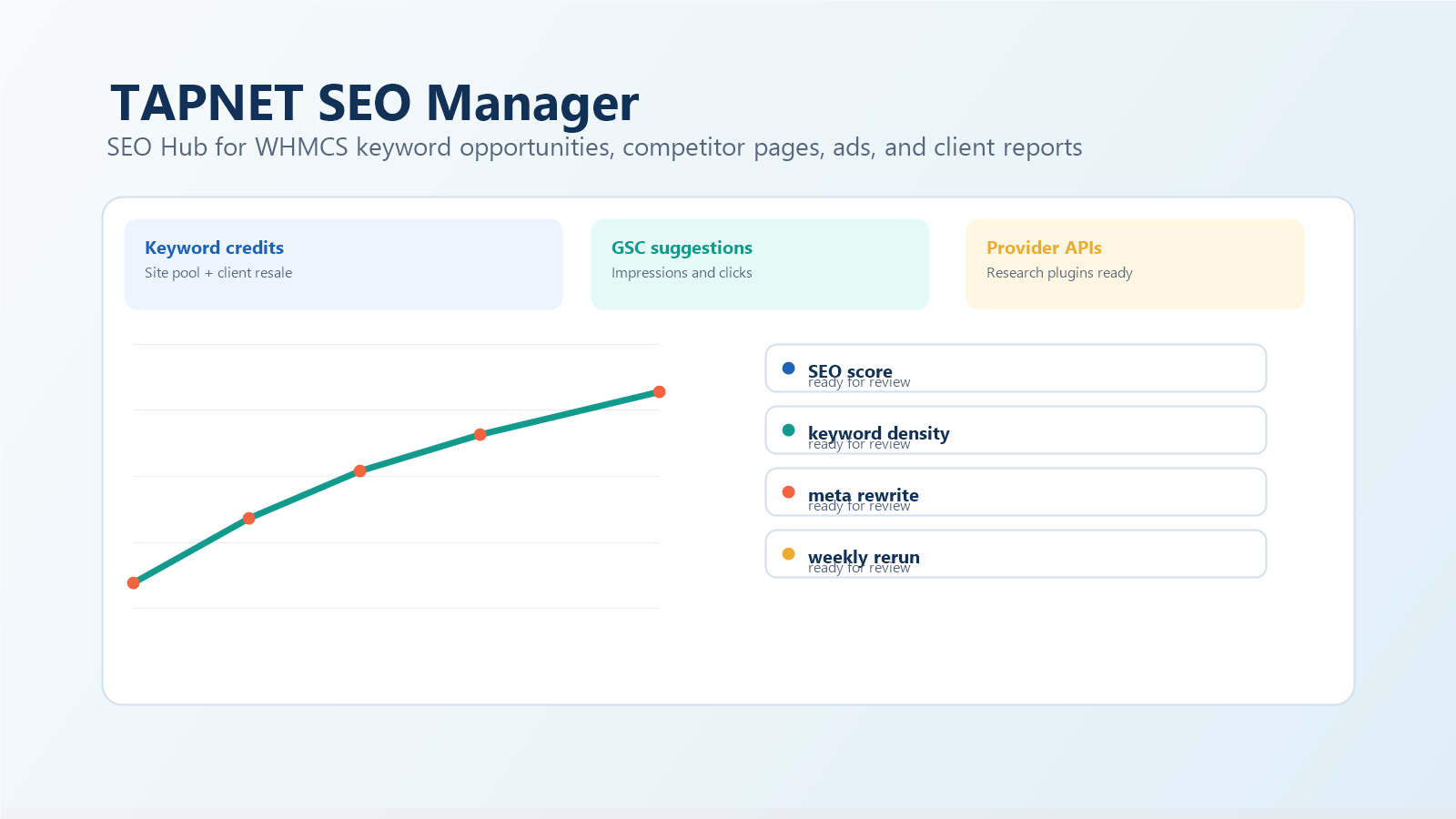
- Keep weekly or monthly reruns tied to subscribed keyword capacity
Lead signals TAPNET preserves
Launch process
Ready to find the next lead gap?
Start with a Lead Intelligence snapshot, then connect the findings to capture, qualification, and faster follow-up.
View SEO Manager Options